
Navigation
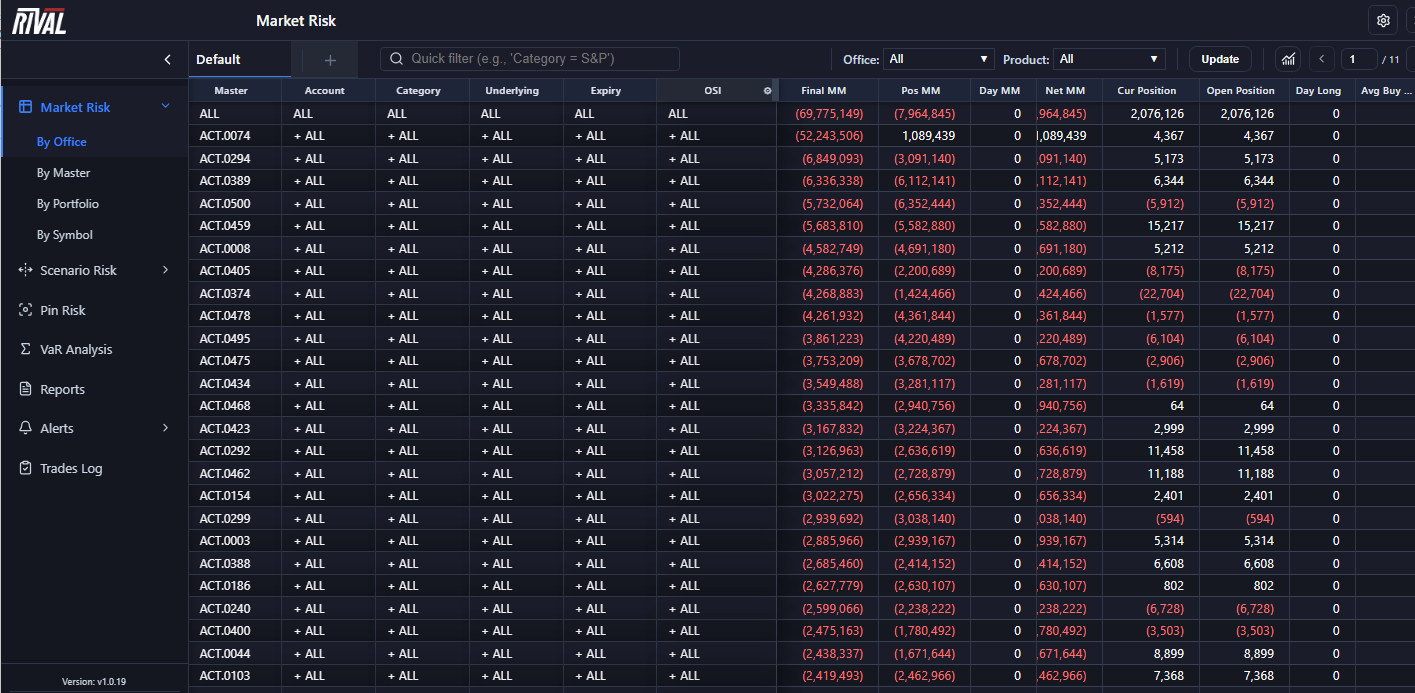
The Rival Risk web app uses a fixed sidebar and top bar so you can move between risk views, run scenarios, manage alerts, and open tools in separate windows when needed.
Use this article to learn the layout, where each feature lives, and how to customize display settings.
What you’ll see when you open Rival Risk
When you sign in, the main workspace has three areas:
1. Top bar — Rival Risk logo, the current page title, page-specific actions, Settings, and Popout.
2. Sidebar (left) — Primary navigation for Market Risk, Scenario Risk, Alerts, and other tools.
3. Main content — The active page (grids, wizards, charts, and so on).
The active sidebar item is highlighted so you always know which page you’re on.
The sidebar
The sidebar sits under the top bar on the left side of the screen.
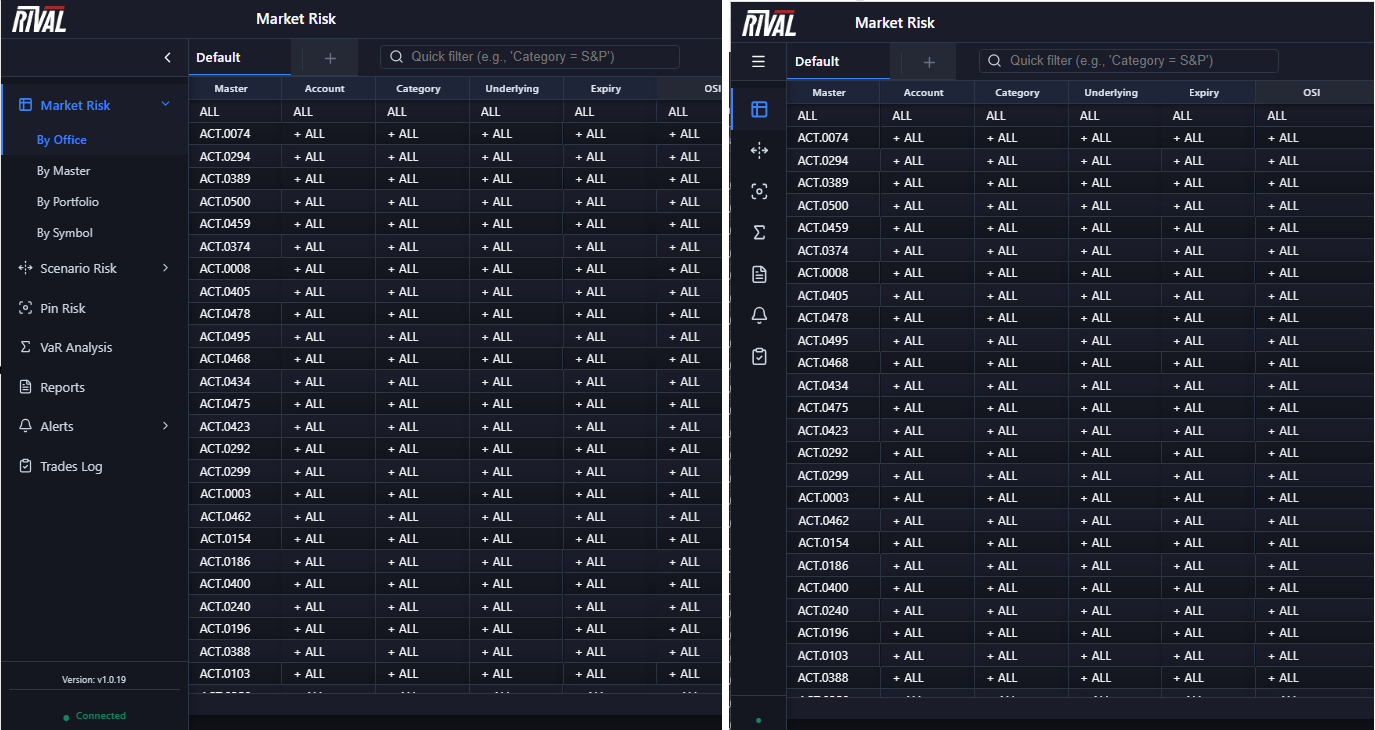
Collapse or expand
- Click the control at the top of the sidebar to collapse or expand it.
- Expanded: Shows full labels (for example, Market Risk, Pin Risk).
- Collapsed: Shows icons only. Hover over an icon to see its name.
Your collapse preference is remembered for later sessions.
Connection status and version
At the bottom of the sidebar you’ll see:
- Connection status — for example, Connected, Connecting…, Disconnected, or Connection Failed - Check Server.
- Version — build number (shown when the sidebar is expanded).
If status is not Connected, live updates and some save actions may be unavailable until the connection recovers.
Market Risk
Expand Market Risk to choose how live risk is organized in the grid.
| Menu label | Hierarchy (what the grid rolls up) |
|---|---|
| By Office | Master / Account / Category |
| By Master | Master Account / Trading Group / Portfolio |
| By Portfolio | Trading Group / Portfolio / Underlying |
| By Symbol | Underlying / Expiry / OSI |
Use these views to drill into firm structure in real time. For a deeper comparison of each view, see Market Risk Views.