
How to Execute Using Broker Routes
Execution for Equities and their Options, as well as Index Options, is supported through an executing Broker. Orders may be sent from the Order Ticket, the Ladder or the Depth Ticket.
A Route must be selected for the order to be sent. Only the Routes to which you have access will be visible to you in the dropdown in the order entry component. The Order Ticket can be opened from the Hotwatch or the Option Chain.
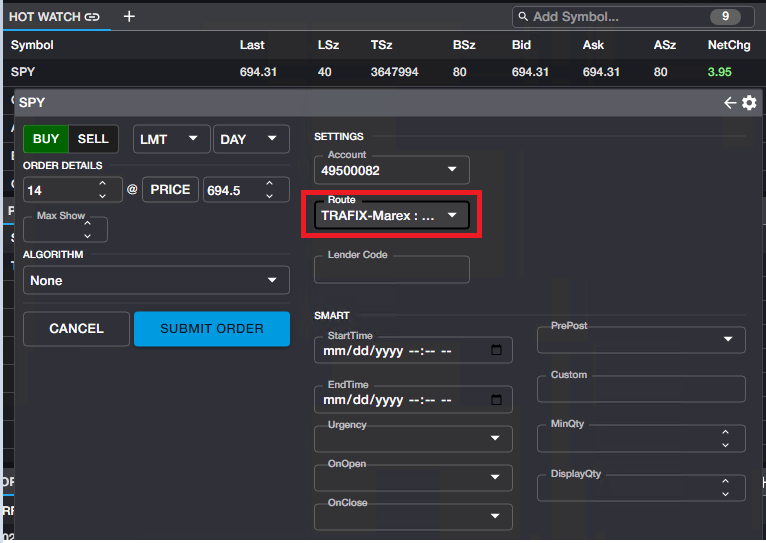
Once a Route has been selected, all inputs for that Route will be displayed in the Route flyout panel. You can access the flyout panel using the Route Detail button in the Depth Ticket or in the Ladder as seen below.
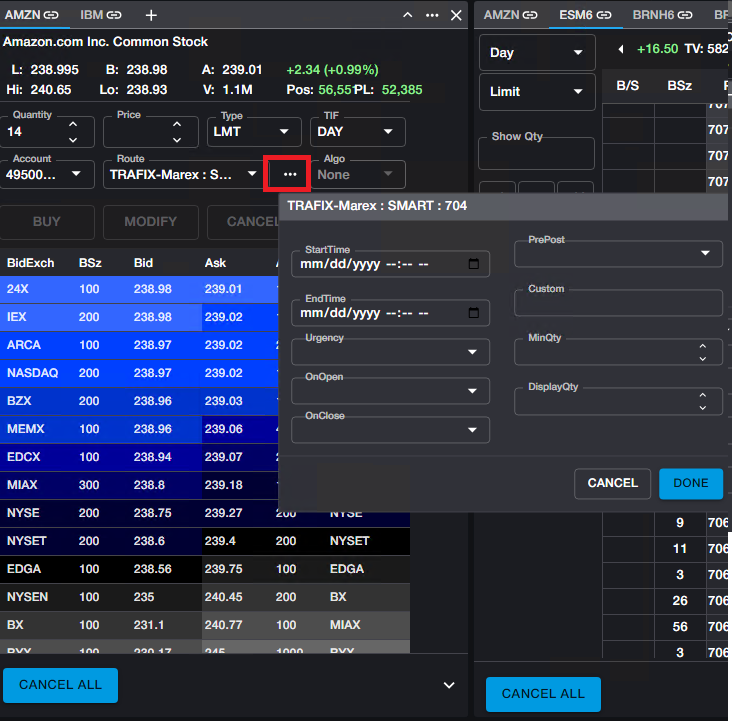
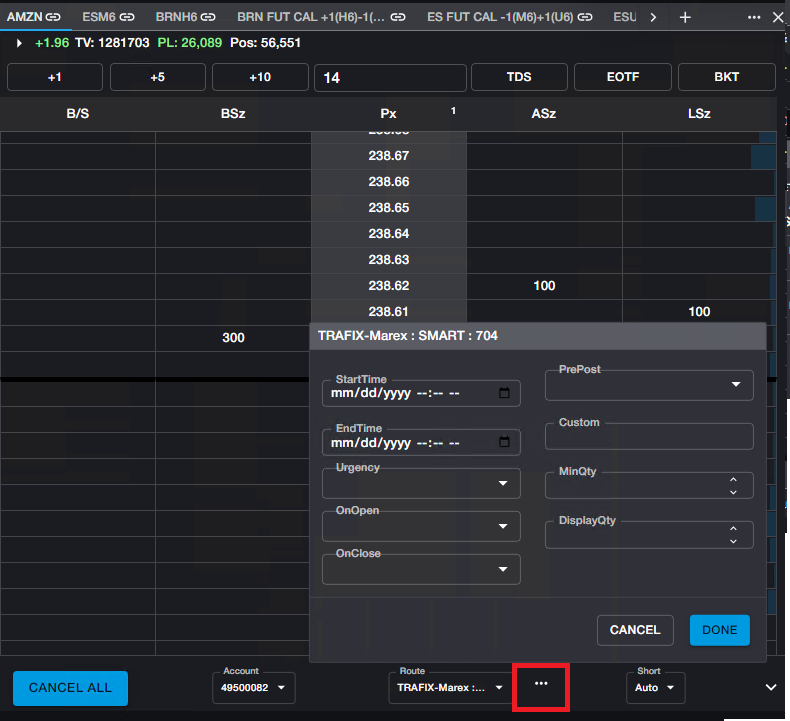
All fields in the panel can be populated optionally. Any required fields are denoted with an asterisk. If any optional fields are not populated, the Broker's default values will be used. For more detail on default values and Route/Algo behavior, contact the executing Broker.